Set up your library
Lullashelf creates a private library for your organisation and agrees who can manage it.
Private Libraries
Bring your school, early learning centre or community’s storybooks together. Choose the books. Invite your families. Read together in Lullashelf.
Start your library Already have a library? Sign in
Your library starts here
Sign in with your Lullashelf account to manage your library or request one for your organisation. We’ll review new requests and contact you about setup.
Joining as a reader? Open Profile in the Lullashelf app, choose Private libraries and enter your organisation’s join code.
Your Private Library · Library manager
Manage the stories you share with your families.
Your Lullashelf account is ready
Tell us about your organisation. We’ll review the request and contact you before setting up its shared shelf.
Simple and supported
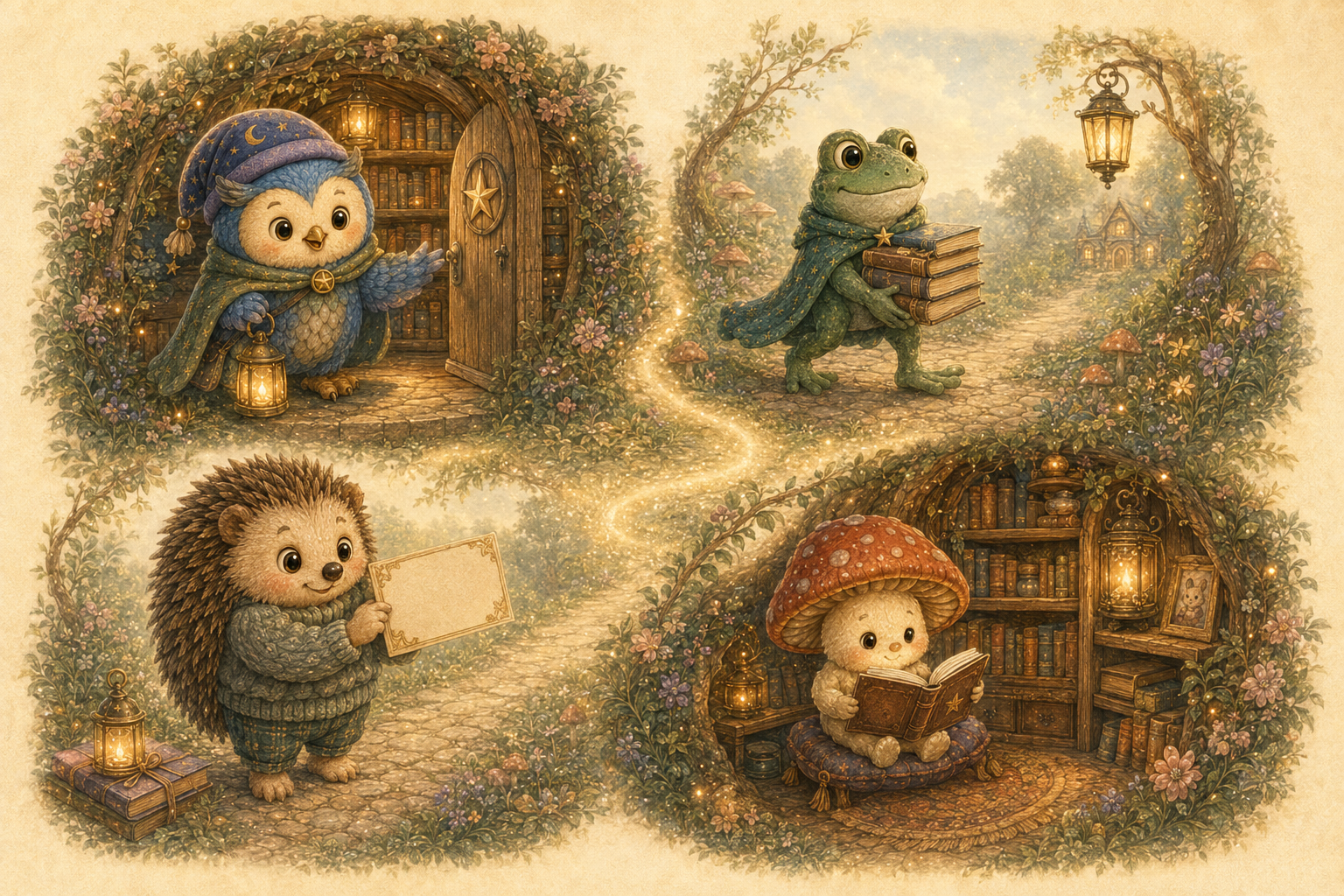
Lullashelf creates a private library for your organisation and agrees who can manage it.
Your library manager adds the storybooks you want your community to read. Books are reviewed before they become available.
Give the code only to the families or members who should have access to the shelf.
Members enter the code and their name in the app, then choose which books to download. Saved books appear in All Books and in the organisation's own collection.
FAQ
No. It does not appear in the public Lulla Library. A member needs your library's join code and an active named member record before the app can download its books.
The first download from your Shared Library does not use a member's personal book space. They can read it like any saved Lullashelf book. If they share or export it, the recipient's imported copy uses personal book space.
The owner and assigned admins can add and rotate books. Published-book capacity starts at 50 books; creating books with Lullashelf is quoted separately.
Lullashelf can issue a replacement member join code so the old code stops granting access.
Yes. An account holder can remove their uploaded books, and Lullashelf support can moderate and remove library books where required.
Simple monthly pricing
Every plan includes a private shared shelf, member join code, account-holder controls, and reading in the Lullashelf app.
$20per month
Up to 50 published books, 150 members, and 3 admins.
$80per month
Up to 200 published books, 600 members, and 7 admins.
From$130per month
More than 500 published books, 2,000+ members, and a custom number of admins for each site.
Need more room? Community Plus gives your growing community a bigger shelf. For larger organisations, we’ll agree the book capacity, member capacity and number of admins for each site as part of your Custom plan. Tax is added where required. Book creation and hands-on support are quoted separately.
For families and members
Members use the Lullashelf app to enter their organisation code, find approved books, and read together.