Create books from the pages you have
Bring in pages from Photos or Files, or paste a Lullashelf book file from the website or someone who has shared it with you. Add a title, cover, optional text, and arrange the story your way.
Picture books for families
Create, organise, narrate, and privately share picture books in one place. Save family favourites, make new books from photos or files, or bring in Lullashelf book files to read together whenever the moment is right.
Free downloadiPhone + iPadOptional in-app purchases
Stories to dream on
Keep favourite digital stories together, create books from the pages you already have, and discover free family storybooks ready for a shared read.
Create online, save in the app
Create a book on the website, then bring it into the Lullashelf app. The app is the best place to store the stories you create for your family.
Create a book on lullashelf.com
Make your own story on lullashelf.com.
Bring the Lullashelf book file into your family shelf.
Store your own stories and return to them whenever you like.
Made for family reading
From the first page to the family shelf, Lullashelf keeps making, finding, and sharing stories simple.
Bring in pages from Photos or Files, or paste a Lullashelf book file from the website or someone who has shared it with you. Add a title, cover, optional text, and arrange the story your way.
Search the growing catalogue, explore suggestions, and download a ready-made family story for your next shared read.
Sort books into libraries and favourites so the stories your family loves are easy to find again.
Read in portrait or landscape, then record a parent, grandparent, caregiver, or another familiar adult reading each page.
Keep personal books on your device or in your own iCloud storage when available. Share complete books privately and keep adult tools in one place.
Find Lullashelf on the App Store
Download Lullashelf free on iPhone and iPad, then make a shelf that belongs to your family.
Inside Lullashelf
From the first story idea to your library, pages, and family controls, see how Lullashelf keeps reading close.
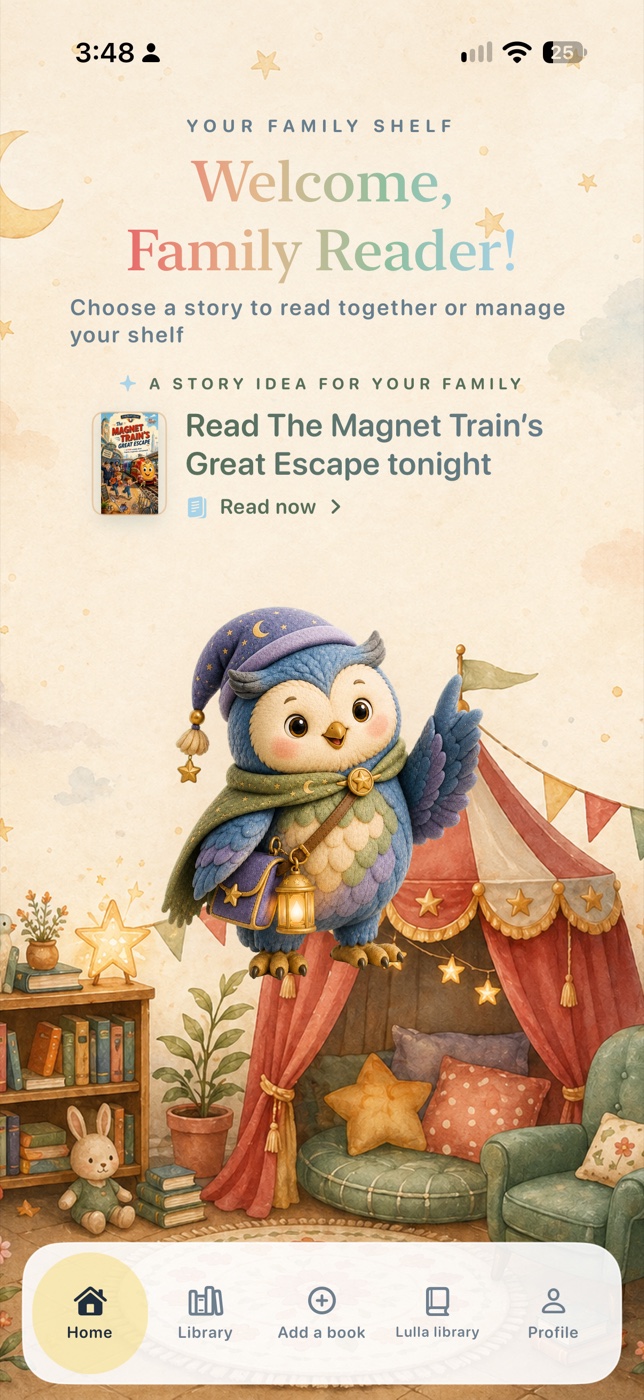
Go to your family library or discover new stories in Lulla Library.
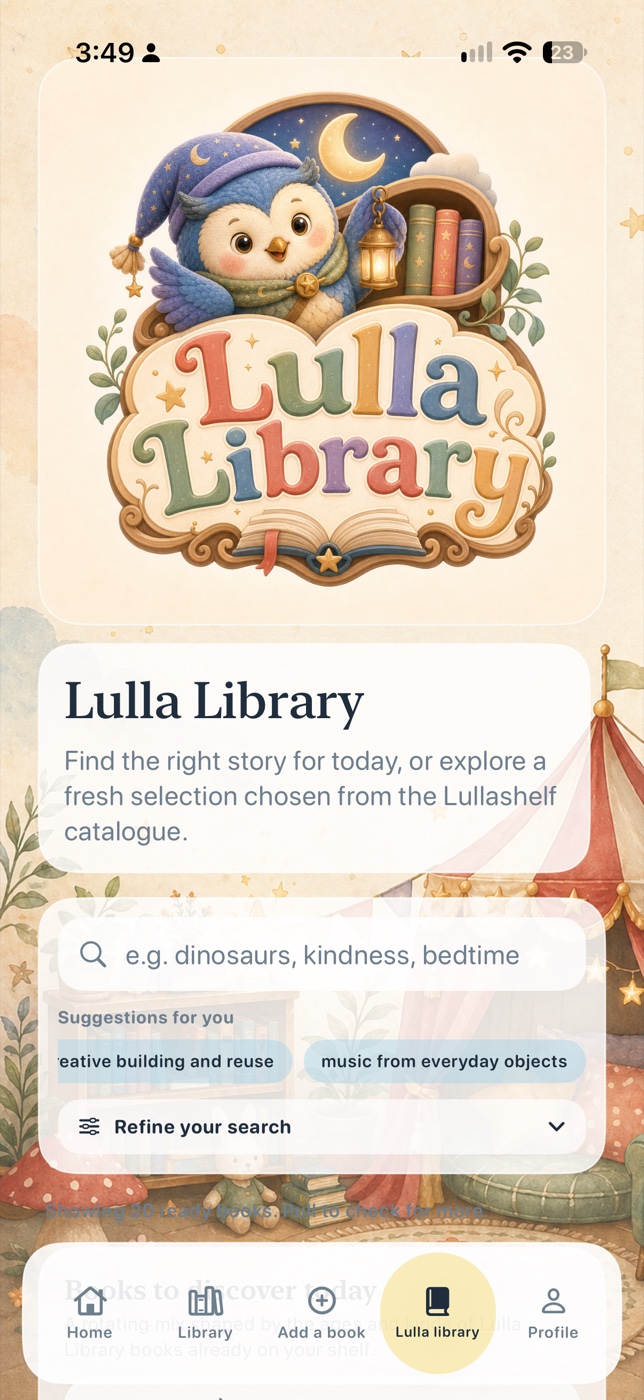
Search, refine, and discover a fresh selection from the Lullashelf catalogue.
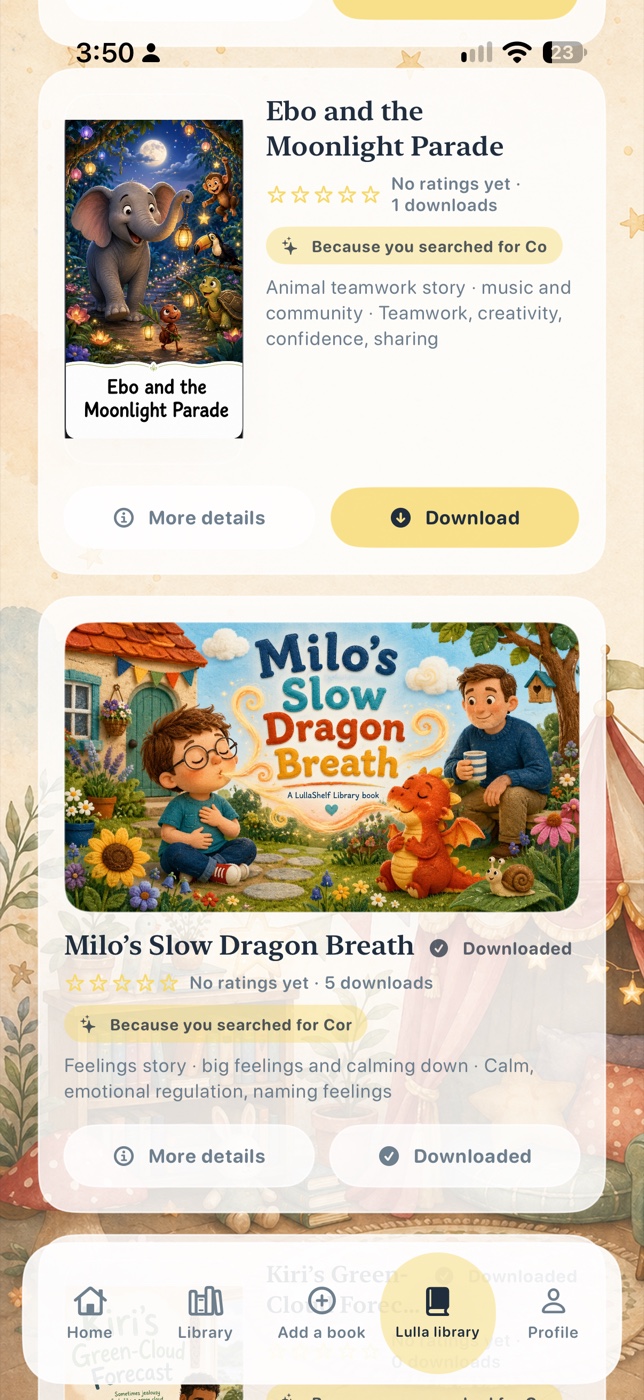
Explore search results and download a story straight to your family shelf.
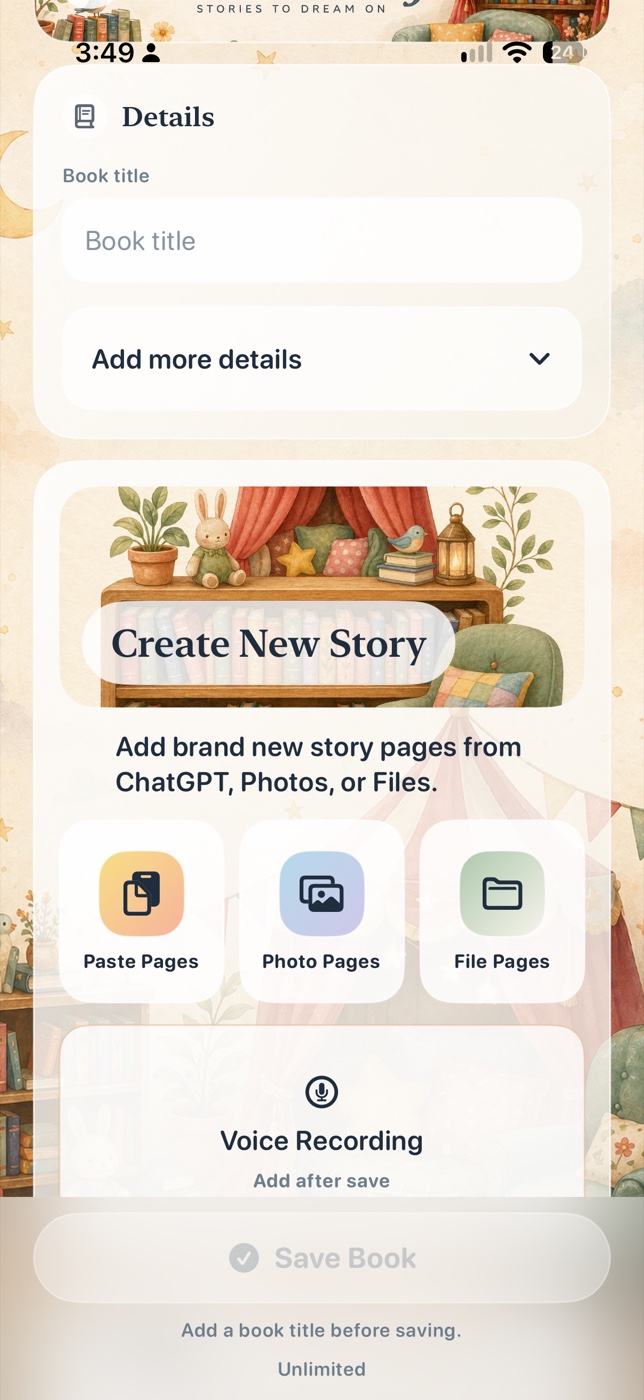
Add pages from Photos or Files, or paste a Lullashelf book file from the website or someone who has shared it with you. Then give the story a title.
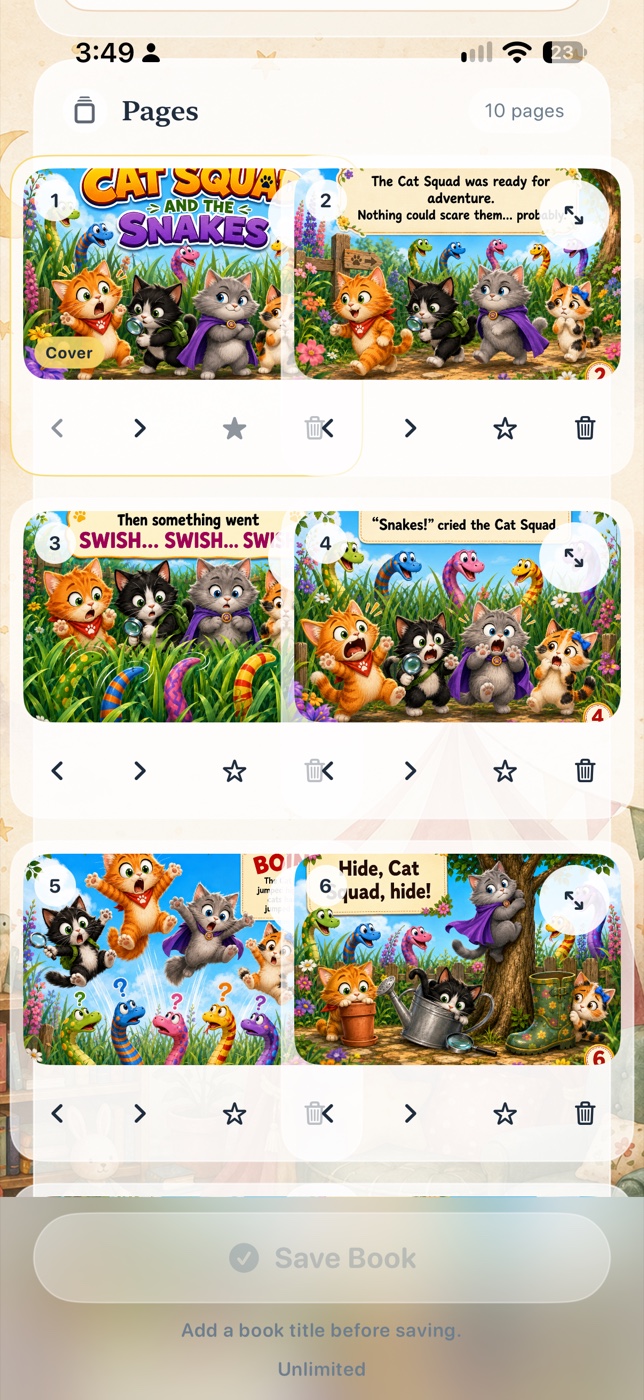
Review pages, move through the sequence, record your voice reading the story, and keep your finished book together.
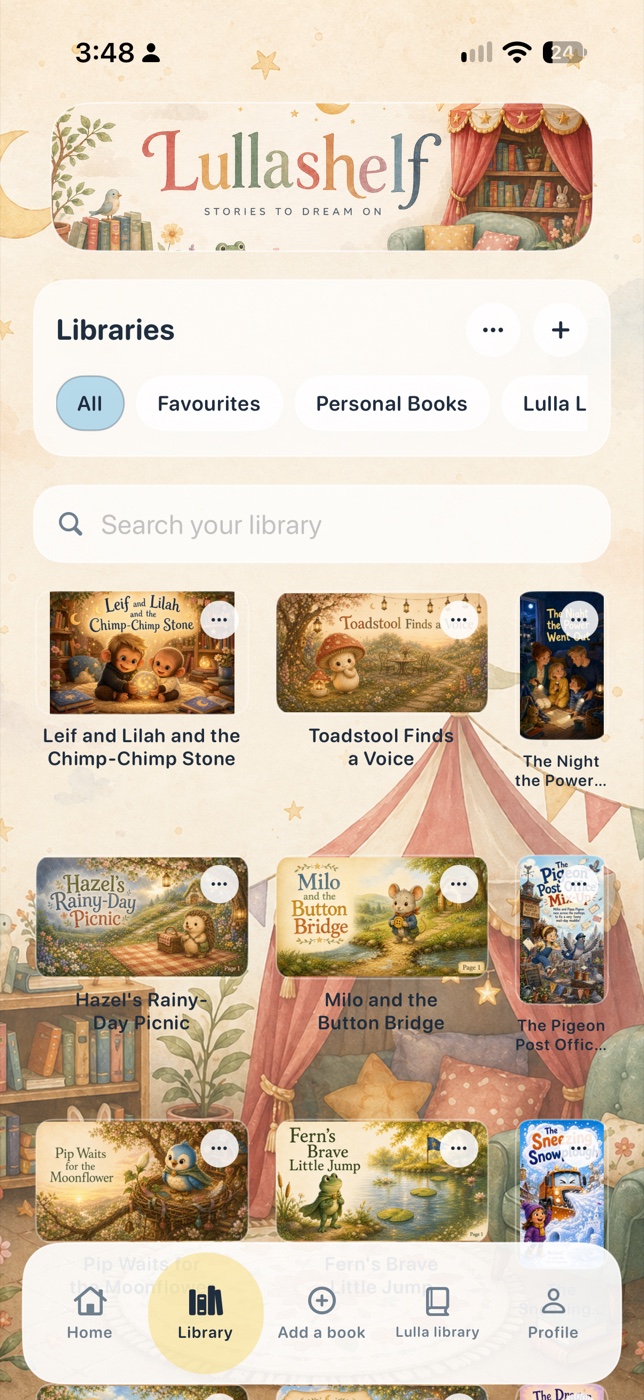
Find all your books, favourites, personal books, and shared shelves in one place.
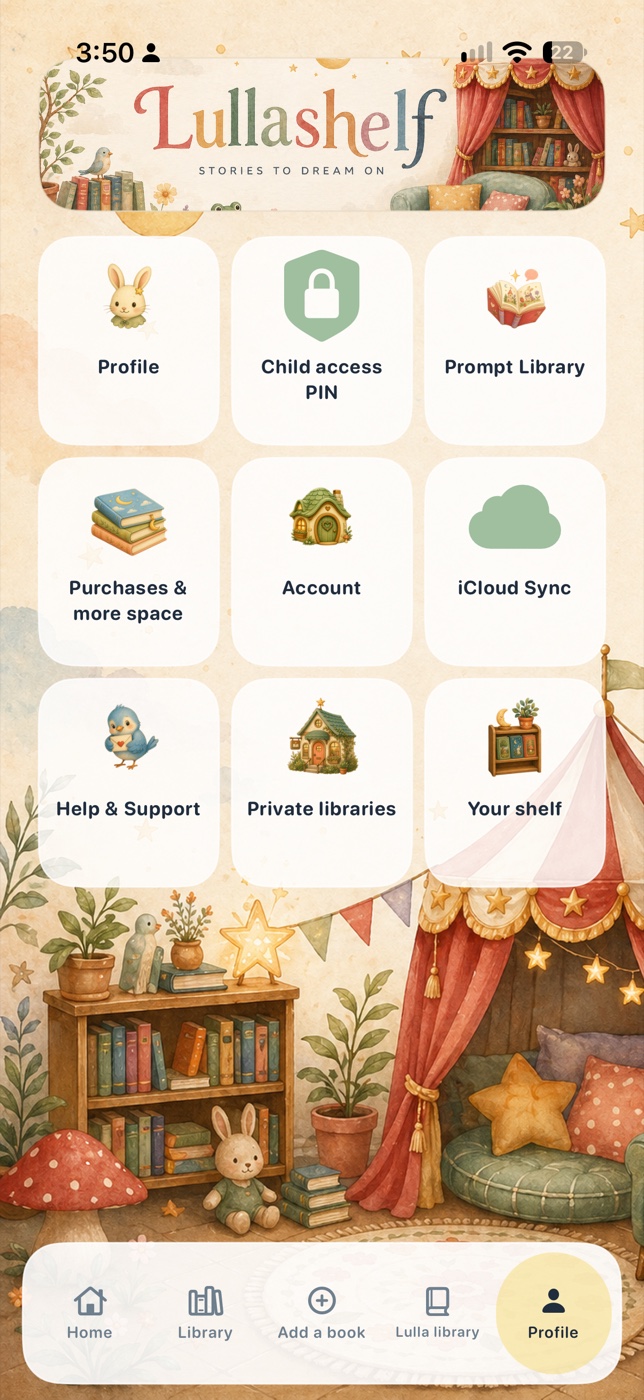
Use Profile to manage family access and purchases, update your account, sync books, get support, and open private libraries.
Stories to dream on
Lulla and her storybook friends make the shelf feel like a place to return to: warm, imaginative, and ready for another shared read.
Keep exploring
Start your family shelf
Download Lullashelf free on iPhone and iPad. Create, organise, narrate, and privately share the storybooks your family wants to keep.