Chosen by you
You decide who can join and what books belong on your community shelf.
Private Libraries
Private Libraries put your organisation's stories in one beautiful, secure space—just for the people who matter.
Interested in a Private Library? Enquire with usYour Private Library
Manage your organisation's books, member access, and library details below.
Your Lullashelf account is ready
You’re signed in, but this account is not connected to a Private Library yet. Tell us about your organisation and we’ll help shape the right secure shelf for your community.
A story space of your own
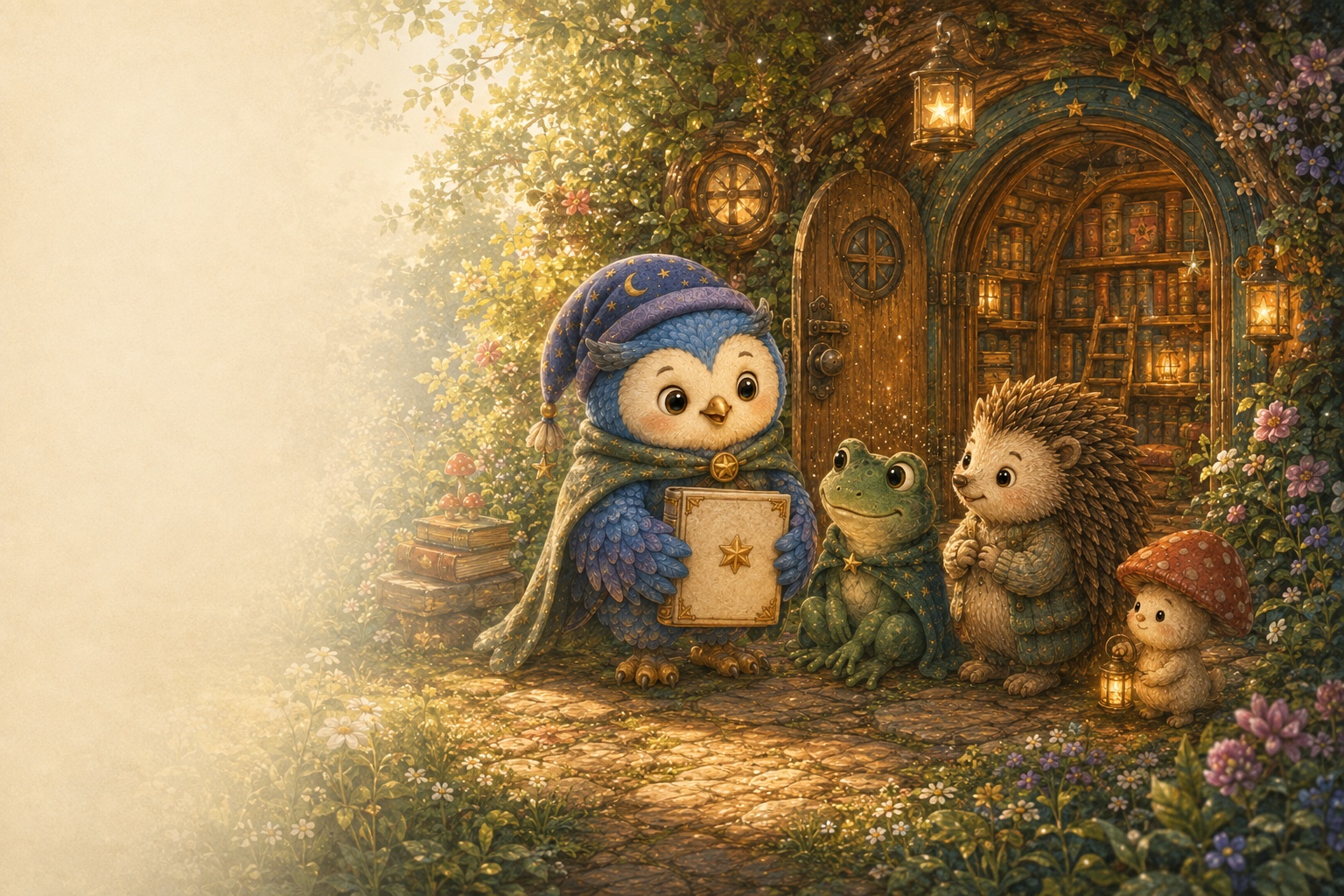
A Private Library is a warm, beautifully presented home for books created by your school, early learning centre, charity, or community. You choose what belongs on the shelf and who is invited to read.
See how it works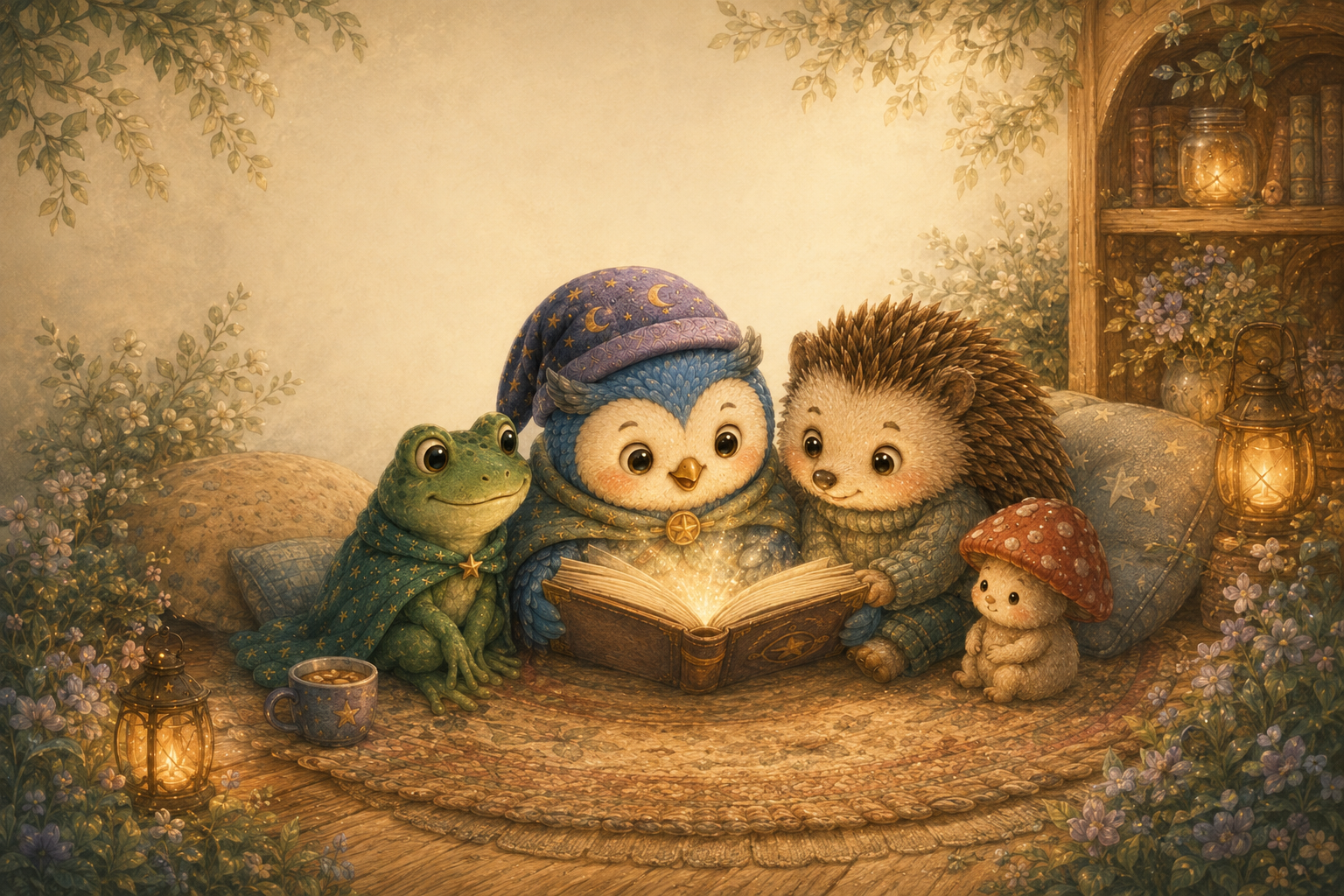
You decide who can join and what books belong on your community shelf.
Secure, private sharing for the people and families who matter.
Invite your community to enjoy approved stories inside Lullashelf.
Simple and supported
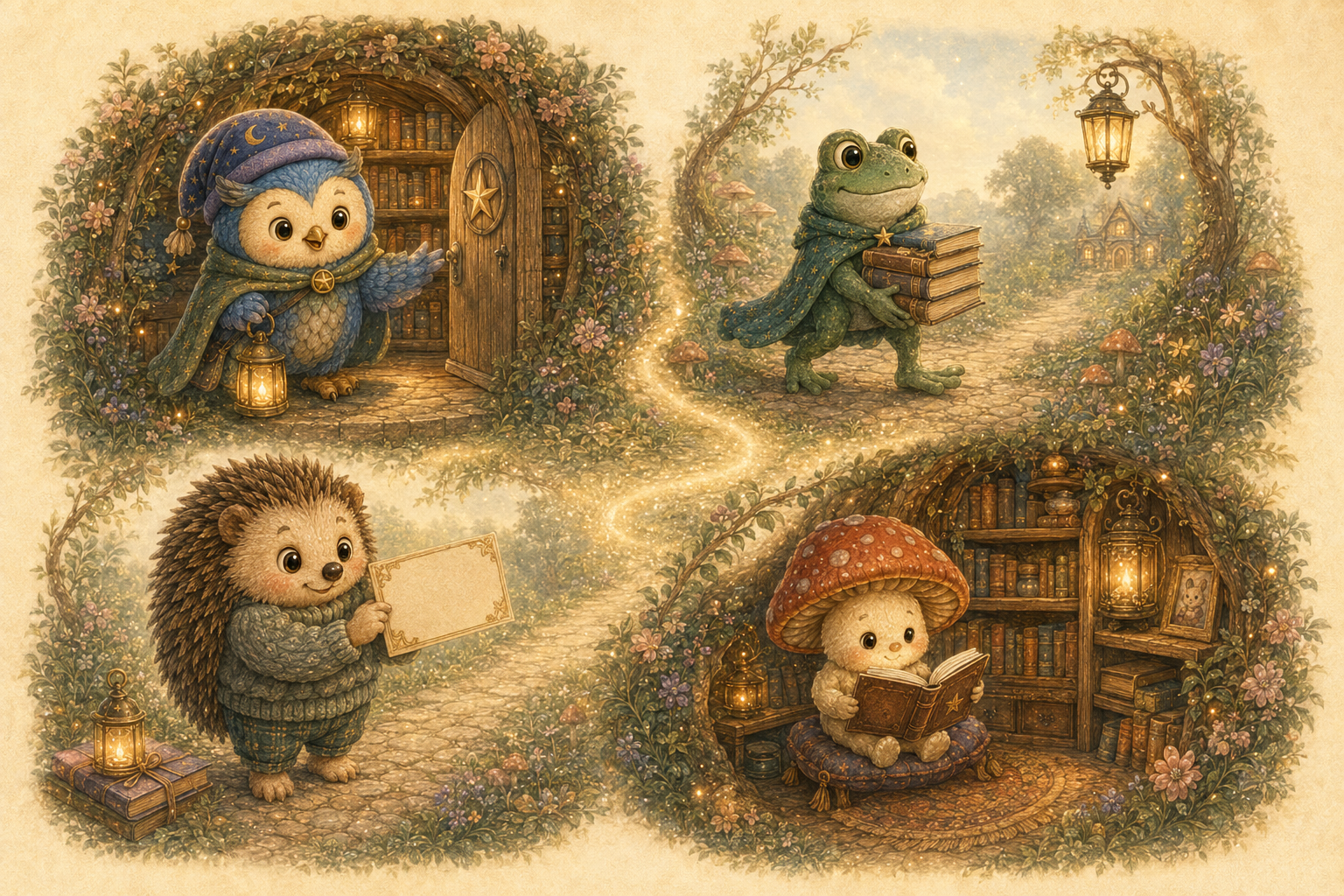
Lullashelf creates a private library for your organisation and agrees who can manage it.
Your nominated account holder uploads approved .lullashelfbook files for members.
Give the code only to the families or members who should have access to the shelf.
Members enter the code in the app and download books available in that library.
For trusted sharing
Private Libraries let an organisation provide its selected storybooks through Lullashelf without publishing them in the public Lulla Library. Your appointed library manager signs in with their connected Lullashelf account to control uploads and the shared shelf.
Access and moderation
Lullashelf can reset account-holder access, replace member join codes, change library assignments, and remove an uploaded book where moderation or access control requires it.
Best for
FAQ
No. It does not appear in the public Lulla Library. A member needs your library's join code and an active named member record before the app can download its books.
The main library admin and approved uploader accounts can upload books, within the 20, 50, or 100 book tier set for the library.
Lullashelf can issue a replacement member join code so the old code stops granting access.
Yes. An account holder can remove their uploaded books, and Lullashelf support can moderate and remove library books where required.
Private Libraries
Tell us who your library is for, who will manage its books, and how members should access the collection.
For families and members
Members use the Lullashelf app to enter their organisation code, find approved books, and read together.